Introduction: The Power of Visitor Insights in 2026
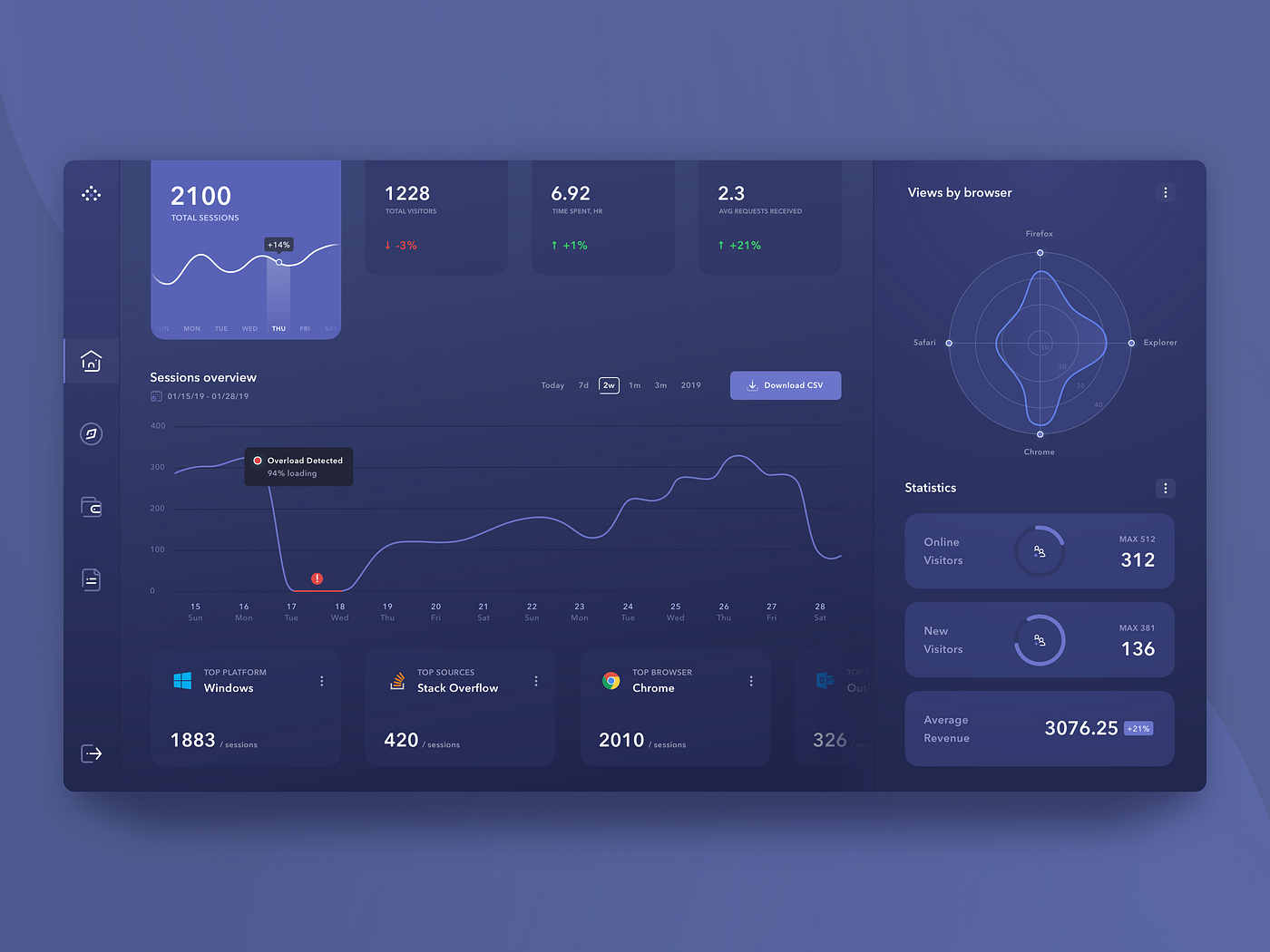
In the competitive digital landscape of 2026, knowing who visits your website and how they interact is no longer optional — it’s essential for survival and growth. Visitor tracking tools provide deep behavioral data far beyond simple pageviews: heatmaps show where users click and scroll, session recordings replay real journeys, rage clicks highlight frustration, and visitor identification (especially in B2B) reveals companies or individuals behind anonymous traffic.
These insights allow site owners to eliminate guesswork. For example, if 60% of users drop off on a checkout page (visible via funnel analysis), you can fix the exact friction point — perhaps a confusing form field flagged by form analytics. The result? Smoother user experience (UX), lower bounce rates (positive SEO signal), and higher conversions (more revenue or leads).

.jpg)
Core Benefits: How Tracking Improves UX, SEO, and Conversions
- Enhanced User Experience (UX): Identify pain points like dead clicks or confusing navigation. Fix them → users stay longer and engage more.
- SEO Advantages: Google rewards low bounce rates, high dwell time, and good Core Web Vitals. Behavior data helps optimize for real user signals.
- Conversion Rate Optimization (CRO): Spot drop-offs in funnels, test CTA placements via heatmaps → 20–60% uplift possible with targeted changes.
- B2B Lead Generation: Reveal visiting companies/people → sales teams can personalize outreach (e.g., “I saw you visited our pricing page”).
- Privacy-First Approach: 2026 tools emphasize GDPR/CCPA compliance, cookieless tracking, and anonymized data collection.
The 7 Best Website Visitor Tracking Tools in 2026
- Google Analytics 4 (GA4) — Free powerhouse for event-based tracking, user paths, conversions, and AI insights. Integrates with everything. Best starting point for SEO-focused sites.
- Microsoft Clarity — 100% free with unlimited session recordings, heatmaps, rage/dead clicks, and insights. Privacy-centric, no data sampling. Ideal for budget users wanting visual UX data.
- Hotjar — Industry standard for heatmaps (click, move, scroll), recordings, surveys, and polls. Excellent for quick UX/CRO wins. Starts \~$32/mo.
- Mouseflow — Advanced friction scoring, form analytics, funnel tracking, and multi-type heatmaps. Strong for e-commerce and complex funnels. From \~$39/mo.
- Leadfeeder (Dealfront) — Leading B2B company identification via IP. CRM integrations turn anonymous visitors into sales leads. From \~$99/mo.
- RB2B — Person-level identification (names, LinkedIn profiles) for high-intent outbound. Free tier (limited credits, US focus). Perfect for targeted B2B sales.
- FullStory — Enterprise-grade with AI-driven insights, unlimited search in recordings, and deep diagnostics. Great for complex sites needing root-cause analysis. Custom pricing.
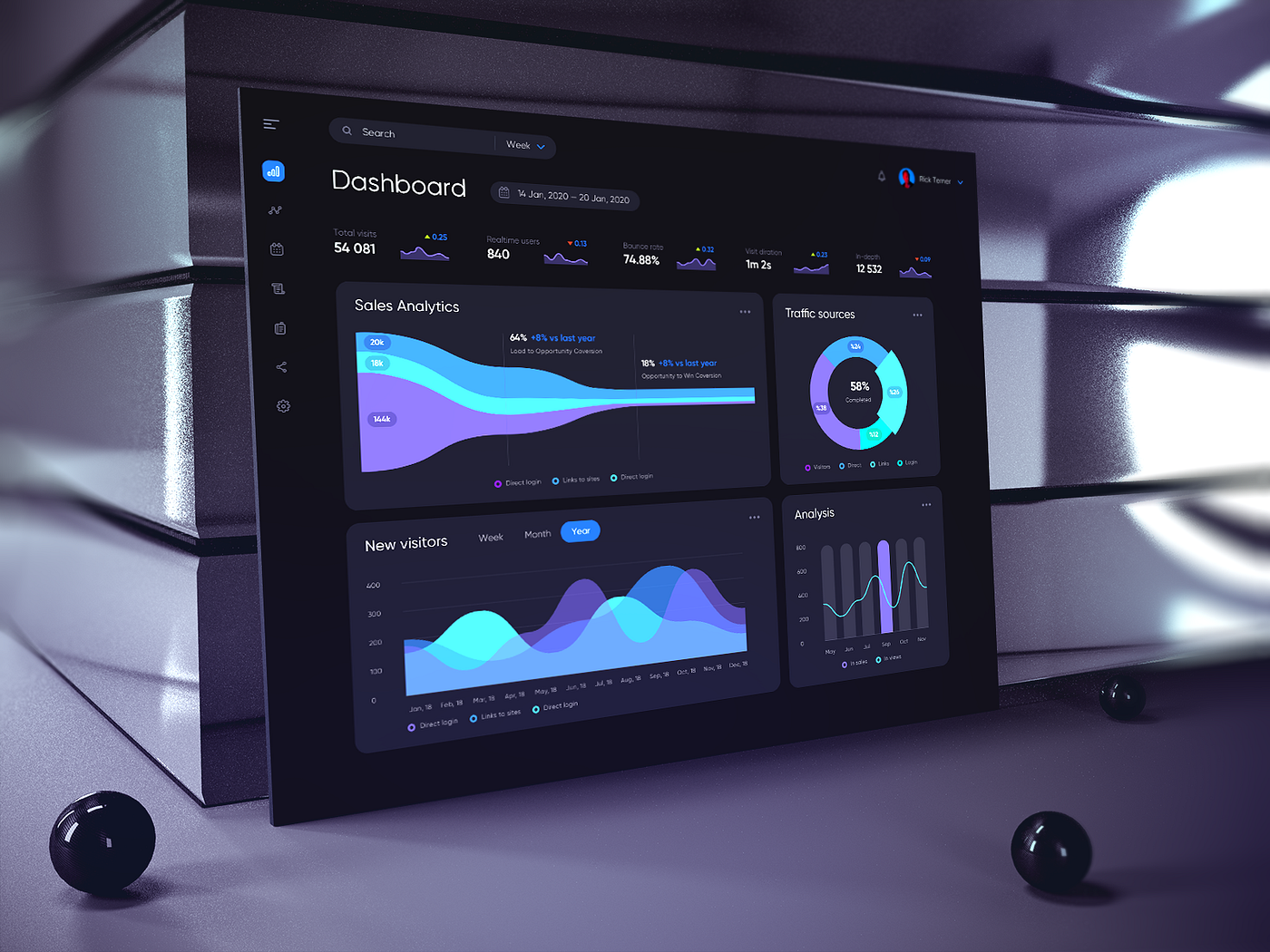

In-Depth Comparison Table
| Tool | Best For | Key Features | Visitor ID Type | Pricing (2026 est.) | Free Tier | Mobile Support |
|---|---|---|---|---|---|---|
| Google Analytics 4 | All-round analytics & SEO | Events, paths, ML predictions, integrations | Basic (demographics) | Free (BigQuery paid) | Unlimited | Yes |
| Microsoft Clarity | Free visual UX insights | Unlimited recordings, heatmaps, rage clicks | None | Free | Yes | Yes |
| Hotjar | Heatmaps + feedback | Click/move/scroll maps, surveys, polls | None | $32+/mo | Limited | Partial |
| Mouseflow | Funnels & friction | Form analytics, friction score, funnels | None | $39+/mo | Limited | Yes |
| Leadfeeder | B2B company leads | Company name, industry, CRM sync | Company-level | $99+/mo | Basic | Yes |
| RB2B | Person-level B2B | Names, LinkedIn, job titles | Individual | Free tier + paid | Yes (limited) | Yes |
| FullStory | Enterprise deep analysis | AI insights, search in recordings | Basic + custom | Custom | Trial | Yes |
How to Select the Perfect Tool for Your Website
- Clarify Goals: Pure UX? Start with Clarity or Hotjar. SEO basics? GA4. B2B leads? Leadfeeder/RB2B.
- Budget Check: Free combo (GA4 + Clarity) covers 80% needs → add paid for advanced features.
- Privacy & Compliance: Choose GDPR-friendly, cookieless options (Clarity, many 2026 updates).
- Integrations & Ease: Ensure compatibility with your CMS/CRM. Test setup time.
- Trial & Data: Install 2–3 tools → review real visitor data for 7–14 days before committing.
Final Thoughts & Next Steps
Visitor tracking tools have evolved into must-have assets in 2026. They bridge the gap between traffic numbers and real human behavior — empowering data-driven decisions that directly impact UX quality, SEO performance, and bottom-line conversions. Many sites see 20–50%+ improvements after implementing just one or two tools consistently.
Recommended Starter Stack: GA4 (analytics backbone) + Microsoft Clarity (free visuals) + Hotjar or Mouseflow (if budget allows for deeper CRO).
Action step: Choose one free tool today, add the tracking code to your site, and analyze your first sessions within 24–48 hours. Your visitors are already sharing feedback — it’s time to listen and act.
Word count: ≈1350 | Published/Updated: March 2026 | This article is for informational purposes only. Always review official pricing, features, and privacy policies before implementation.
- Blog Articals
- Challenge Games
- Club
- Core Committee Updates
- General Member Updates
- Islamic Welfare Committee
- Judiciary Updates
- Latest
- Memory Games
- Popular
- Quiz Games
- Trending
- Uncategorized

বন্ধুর7
Powered by WordPress with WooCommerce